 GyanGram
Learn visually
Open Scroll and move through one concept as a complete visual deck.
In app: ScrollSwipe a visual deck, open the companion article for depth, place the topic in the syllabus, and practise related previous-year questions.
GyanGram uses the familiar rhythm of a vertical feed—but content is organised as bounded visual decks, not an endless stream of disconnected facts.
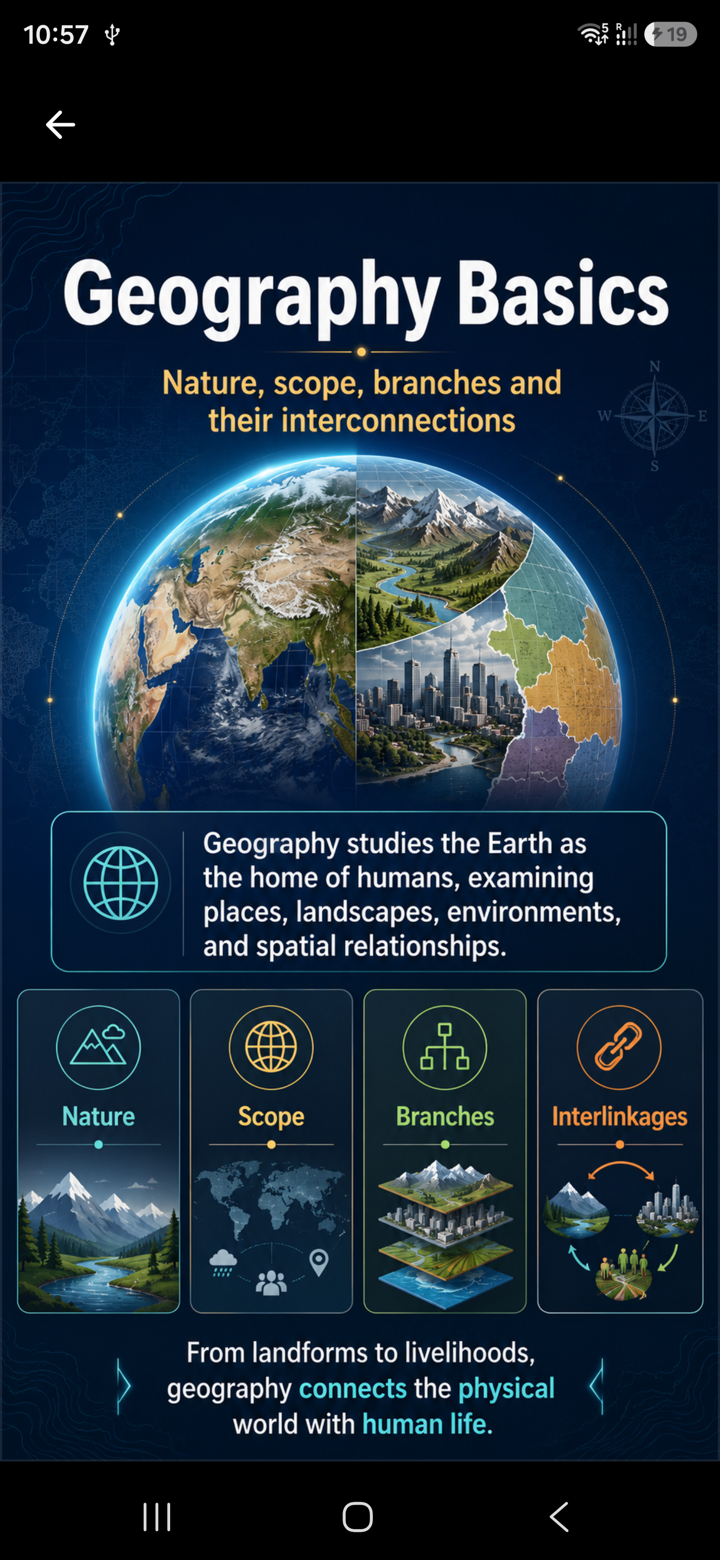
Each visual lesson can open into syllabus context, practice, and revision—without losing the thread of what you were studying.
Open Scroll and move through one concept as a complete visual deck.
In app: ScrollOpen the companion article when the deck needs a fuller explanation.
In app: Article / Deep DiveSee the subject, unit, and chapter path so the topic sits in your preparation map.
In app: LearnWork through Prelims or Mains previous-year questions by subject and year.
In app: PYQsContinue where you left off, or revisit wrong, weak, and due material from Home.
In app: HomeAI may assist research and production. Topic selection, structure, checks, and publication stay under human editorial control. GyanGram does not guarantee ranks or selection—it is a learning companion alongside books, classes, and tests.
Sign in with the same account to keep progress connected across supported platforms.
Start on computer, tablet, or phone without installing. Best for longer reading sessions and first try.
Install from Google Play for a dedicated mobile learning experience through the day.
Native iOS app is coming soon. Until it is live, use the web app on Safari.
Mac app is coming soon. Until then, use the web app in your browser.
Full platform options and FAQs on the Try GyanGram page.
Open GyanGram free on the web or continue with the Android app. iOS and macOS apps are coming soon.
GyanGram is a visual learning product for UPSC preparation. It helps you learn one topic at a time through swipeable decks, companion articles, syllabus navigation, previous-year questions, and revision queues.
Scroll is the core experience: visual lessons as bounded topic decks. Companion articles, Learn (syllabus paths), PYQs, and revision queues support that experience.
No. AI may assist research and production, but topics are selected, structured, checked, and edited before publishing. Learners can report issues for correction.
No. It is a self-learning companion for visual learning, syllabus navigation, PYQ practice, and revision—alongside books, classes, answer writing, and tests.
Web and Android are available now. Native iOS and macOS apps are coming soon. Until they are live, use the web app on iPhone, iPad, and Mac.
The core learning experience is free to start on web and Android. Optional paid features may be offered on supported platforms; details are shown in-app before any purchase.
No. GyanGram does not guarantee ranks, interview calls, or selection. It is a learning tool for concepts, syllabus mapping, and PYQ practice.