 GyanGram
iPhone & iPad
Download GyanGram from the Apple App Store for iPhone and iPad.

Scan for iOS
Scan to download on Apple App Store
Download the official app on the Apple App Store or Google Play Store, or scan the QR code to install directly on your phone.
Download GyanGram from the Apple App Store for iPhone and iPad.
Scan to download on Apple App Store
Install GyanGram on Android from Google Play for a dedicated mobile learning experience.

Scan to download on Google Play Store
Open in any modern browser without installing. Useful for desktop reading.
Everything you need for structured UPSC preparation, available across mobile and web.
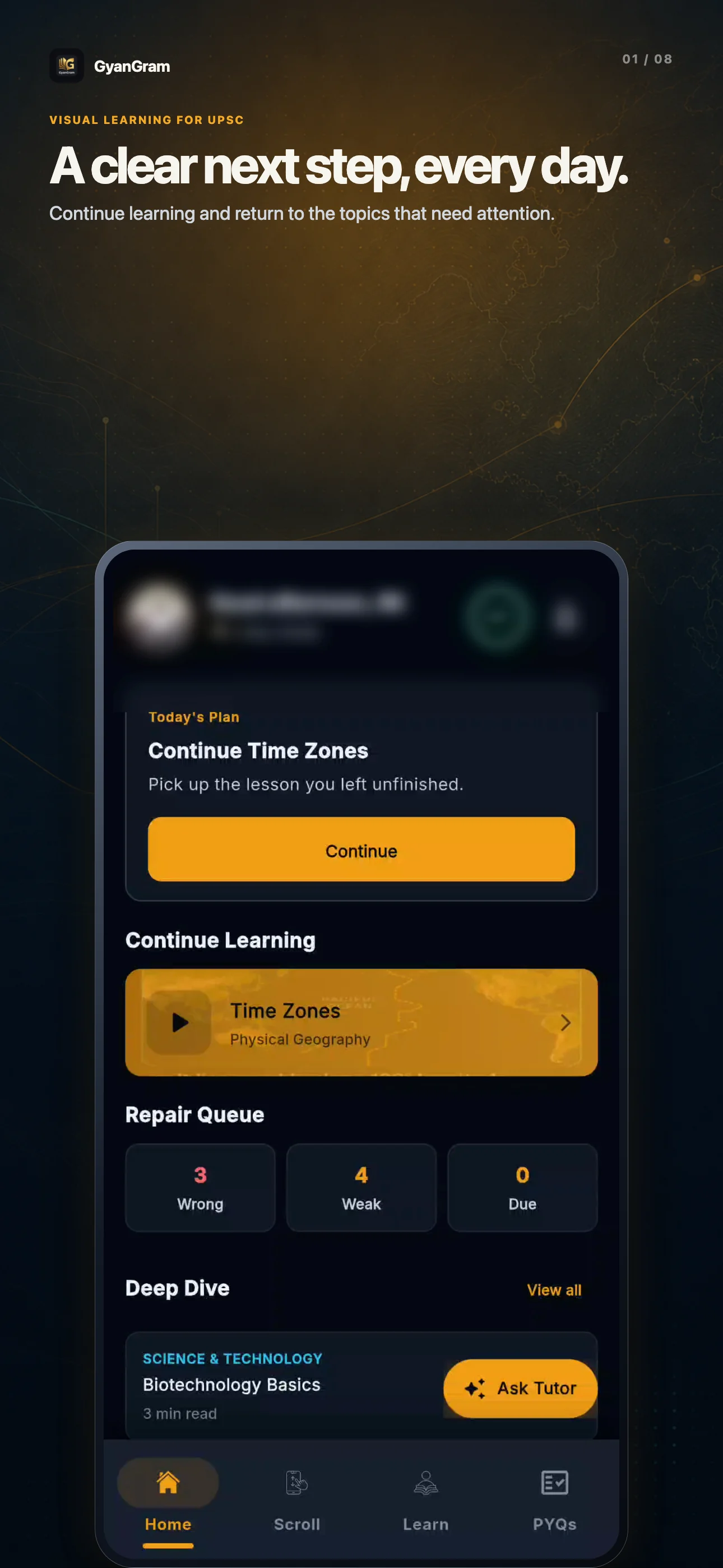
Track today's plan, recent lessons, and review queues.
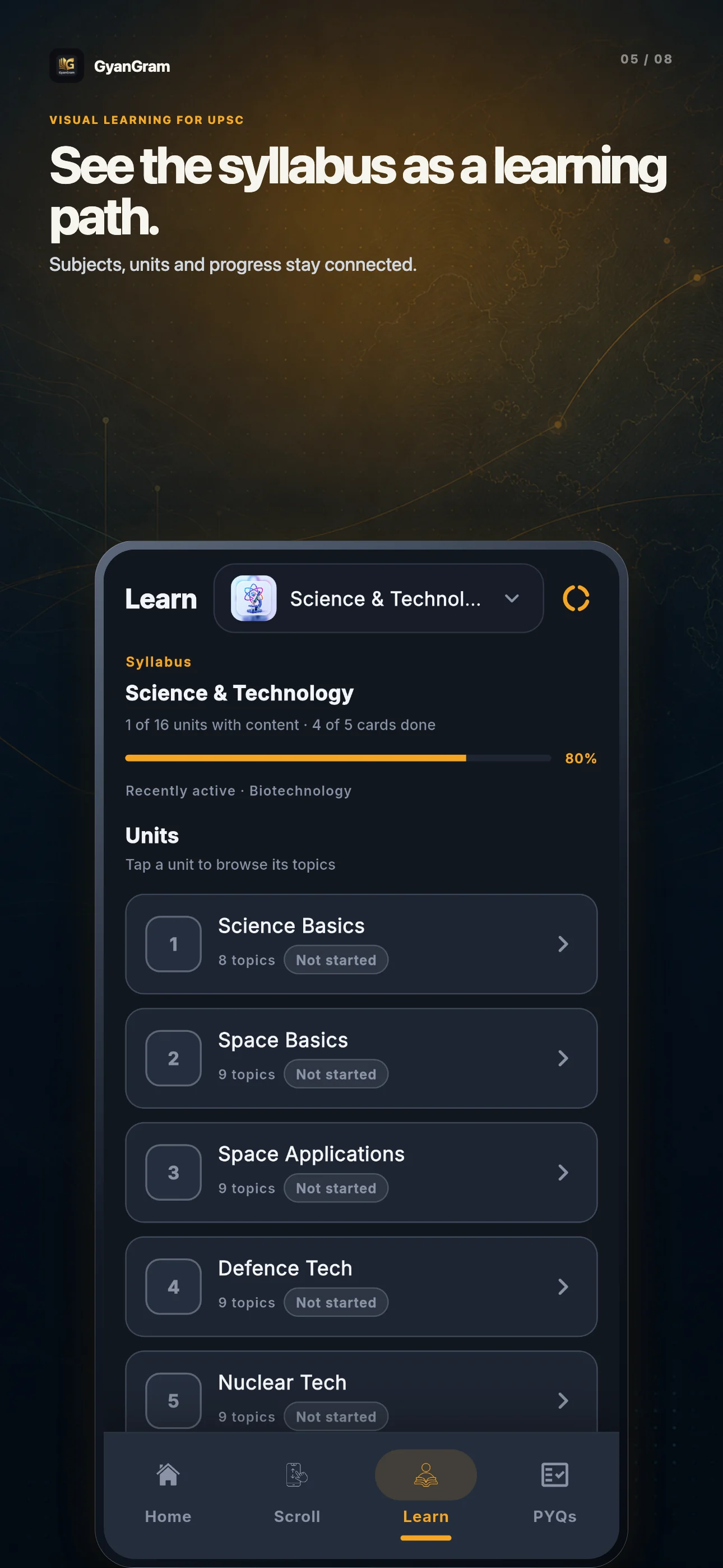
Explore subjects, units, and chapters seamlessly.
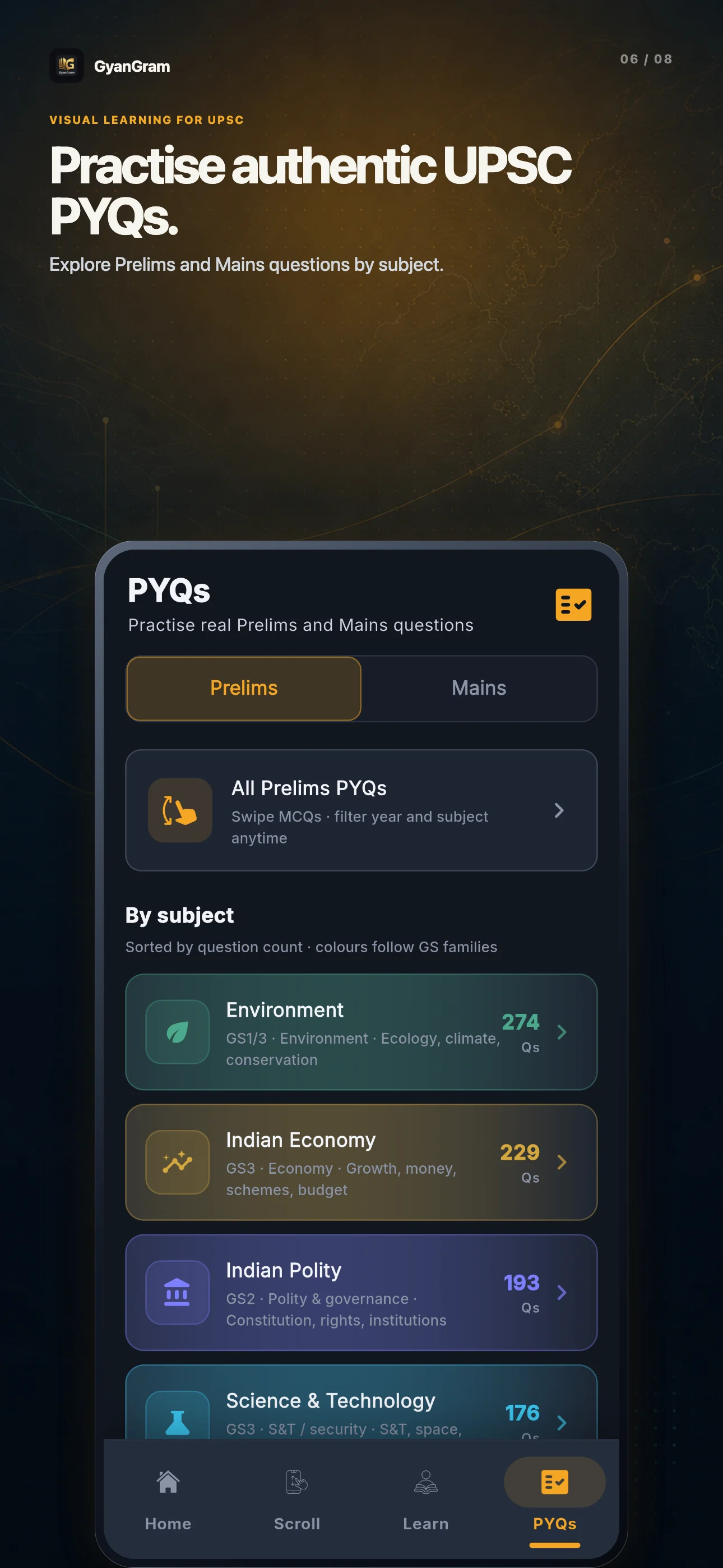
Practise authentic Prelims and Mains questions.
An account keeps your progress, saved material, and learning history available when you return across devices.
Yes! GyanGram is live on the Apple App Store for iPhone and iPad. You can click the download button above or scan the QR code to install directly.
The macOS app is coming soon. Use the web app on Mac in the meantime.
Yes. Sign in with the same account to keep your learning progress and saved material connected on supported platforms.
Visit the Contact page for product support or to report a content issue.
Follow the steps on the account deletion page.